
"
How to Assemble a Ring Light: Step‑by‑Step Guide
A ring light is a circular light source loved by content creators, photographers, makeup artists, students and professionals who want clean, flattering lighting. It delivers soft, even light, reduces harsh shadows and gives every photo or video a sharp, professional look.
Ring lights are especially popular for video calls, streaming, makeup and product photography. Because the light is direct and evenly spread, it is ideal for illuminating the face, your smartwatch bands, phone accessories or any small product you want to showcase in your online store.
Main Benefits of Using a Ring Light
Ring lights are a smart, modern lighting tool with several key advantages:
Soft, Even Lighting
The circular design spreads light evenly across the subject, eliminating unflattering shadows and creating a clean, high-quality, professional result.
Highlighting Fine Details
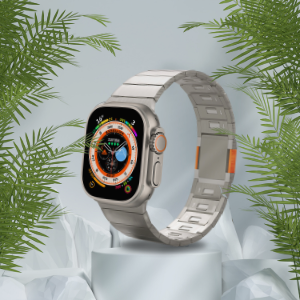
Accurate lighting highlights small details such as eyes, skin tone, makeup, product textures and finishes. This is perfect for beauty content and for close-up shots of Apple Watch bands, Galaxy Watch bands, protective cases and other smartwatch accessories.
Flexible and Adjustable
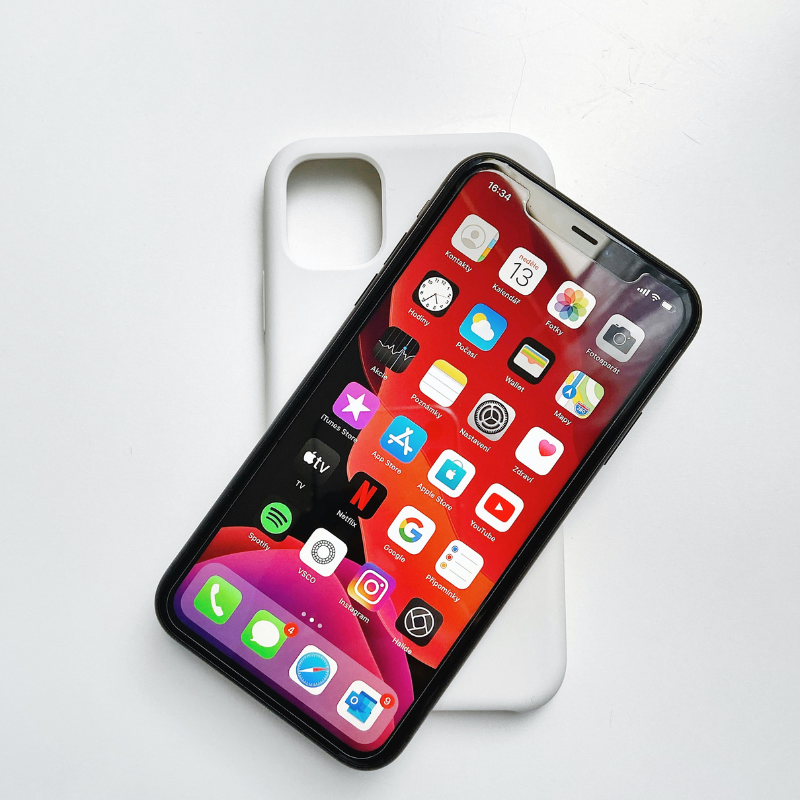
Most ring lights let you control brightness, color temperature (warm, cool or neutral) and angle. This helps you adapt the light to your setup, whether you are shooting iPhone cases on a table or filming a standing video.
Easy to Use and Portable
Modern ring lights are quick to assemble and simple to carry. Many use USB power so you can connect them to a laptop, power bank or adapter and create high-quality photos and videos almost anywhere.
How to Connect and Assemble a Ring Light
1. Connect to Power
Most ring lights use either USB or a standard power cable. USB-powered models are great for mobile workstations and simple product shoots, while larger, stronger models usually plug directly into a wall outlet to deliver maximum brightness.
2. Mount the Ring Light on a Tripod
Many ring lights come with an adjustable tripod or a desk clamp. Open the tripod legs fully, make sure it is stable, then attach the ring light head to the mounting point. Adjust the height so the light is at or slightly above eye level for portrait shots.
3. Attach Your Smartphone or Camera
Most ring lights include a phone holder or camera adapter. Position your smartphone or camera in the center of the ring to get balanced, symmetrical light on your face or on products such as premium bands and cases. Some models offer multiple holders so you can film in both portrait and landscape.
4. Adjust Brightness and Color Temperature
Once the ring light is assembled and powered, use the control buttons or remote to set the light. Increase or decrease brightness and switch between warm, cool or neutral modes. Match the light to your background and skin tone, or to the colors of the smartwatch bands and phone accessories you are photographing.
Popular Types of Ring Lights
You can find many ring light models designed for different needs:
- Compact USB ring lights – ideal for quick desk setups, video calls and simple product photos.
- Medium ring lights with tripod – great for regular content creation, unboxings and detailed shots of wearable accessories.
- Large professional ring lights – perfect for long shooting sessions, studio setups and high-end ecommerce photography.
- RGB color ring lights – allow creative, colored backgrounds and effects for social media content and lifestyle product photos.
Tips for Better Results with a Ring Light
- Set the right angle: Place the ring light directly in front of you or slightly above eye level, tilted down for a flattering look.
- Match light to content: Cool white light works well for professional, clean product photos; warm light creates a softer, more natural feel for lifestyle images.
- Reduce reflections in glasses: Adjust height and angle or move the light slightly to the side until reflections are minimized.
- Test before shooting: Do a short test photo or video to check brightness, shadows and color before capturing your smartwatch bands, iPhone cases or other products.
Conclusion
A ring light is an easy-to-use lighting tool that can dramatically upgrade your photos and videos. It provides even light, highlights important details and helps your Apple Watch bands, Galaxy Watch bands, iPhone cases and other protective accessories look their best in every shot.
Choose the right size, power and adjustment options for your needs, assemble it correctly and fine-tune the brightness and color temperature. With a properly set ring light, your content and ecommerce product photos will look cleaner, sharper and more professional.
"